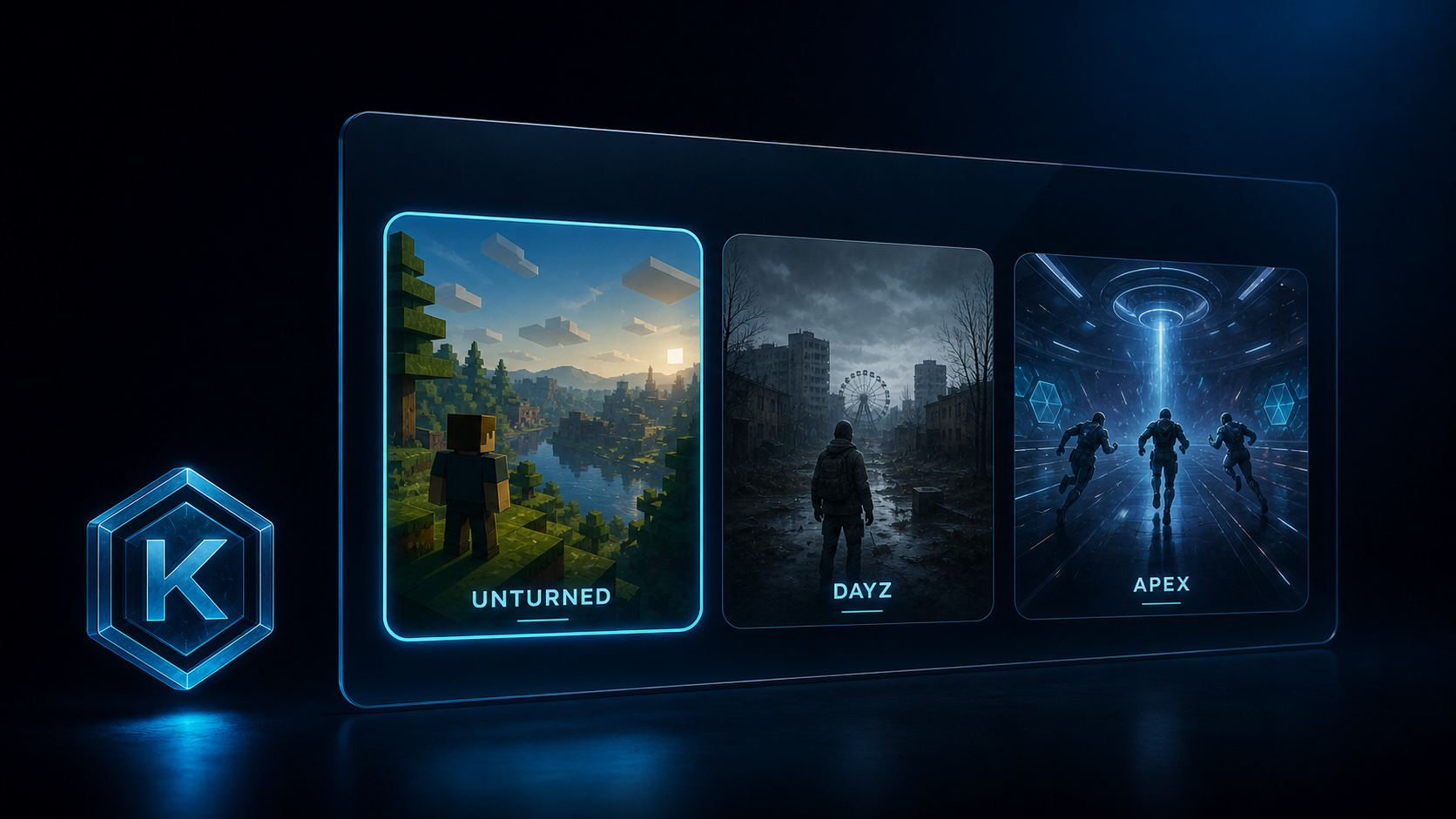
⌕STEP 01
Choose your product
Browse the available games, compare the listed features, and check the current product state.
View all cheats →GETTING STARTED
A visual customer guide for the purchase and redemption journey, with every important step in one place.
Check the published product status first, review the selected plan and price, and keep the delivered key private until you redeem it in the official customer portal.
Browse the available games, compare the listed features, and check the current product state.
View all cheats →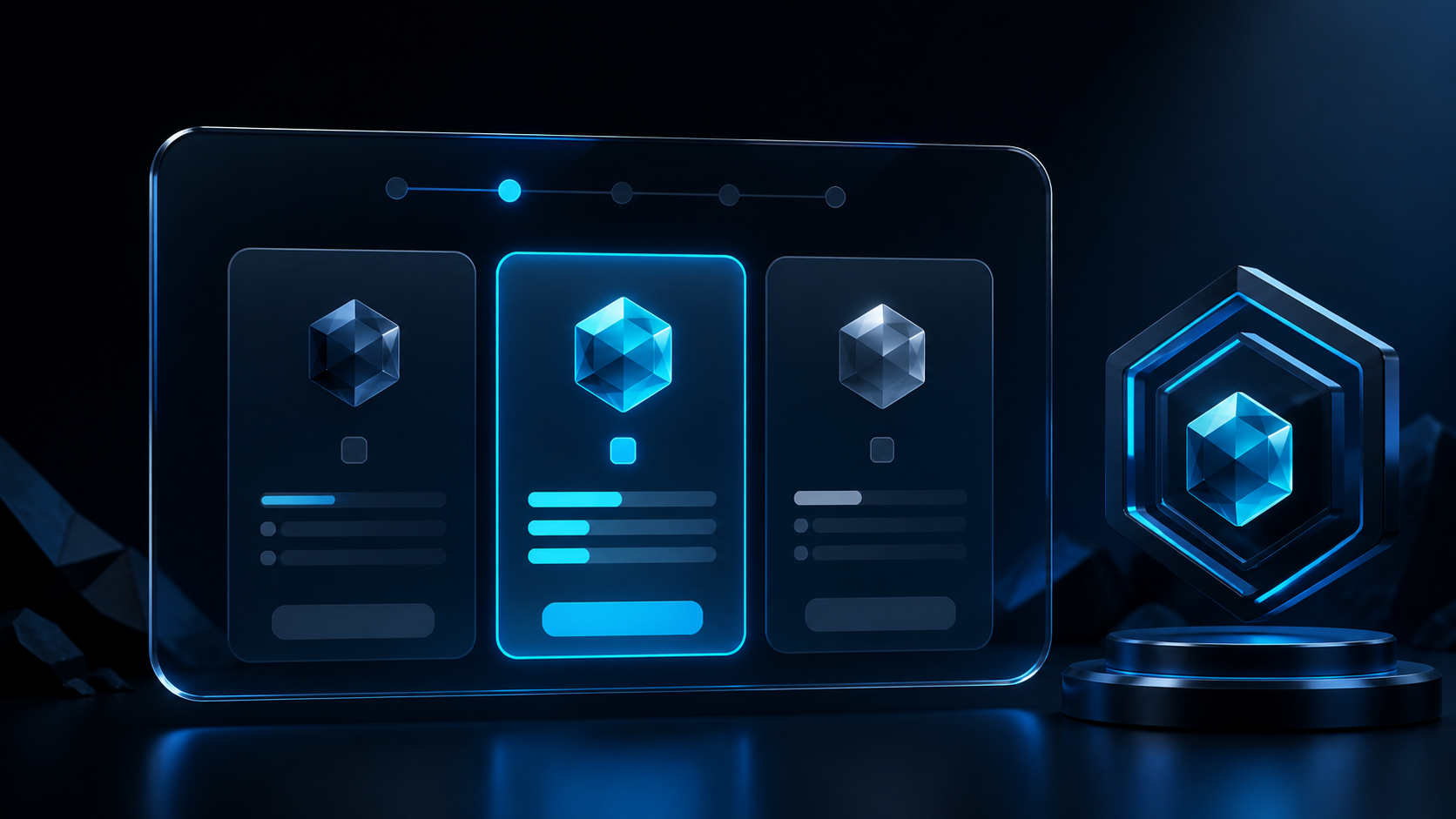
Choose the duration that fits. Every listed plan keeps the product's published feature set.
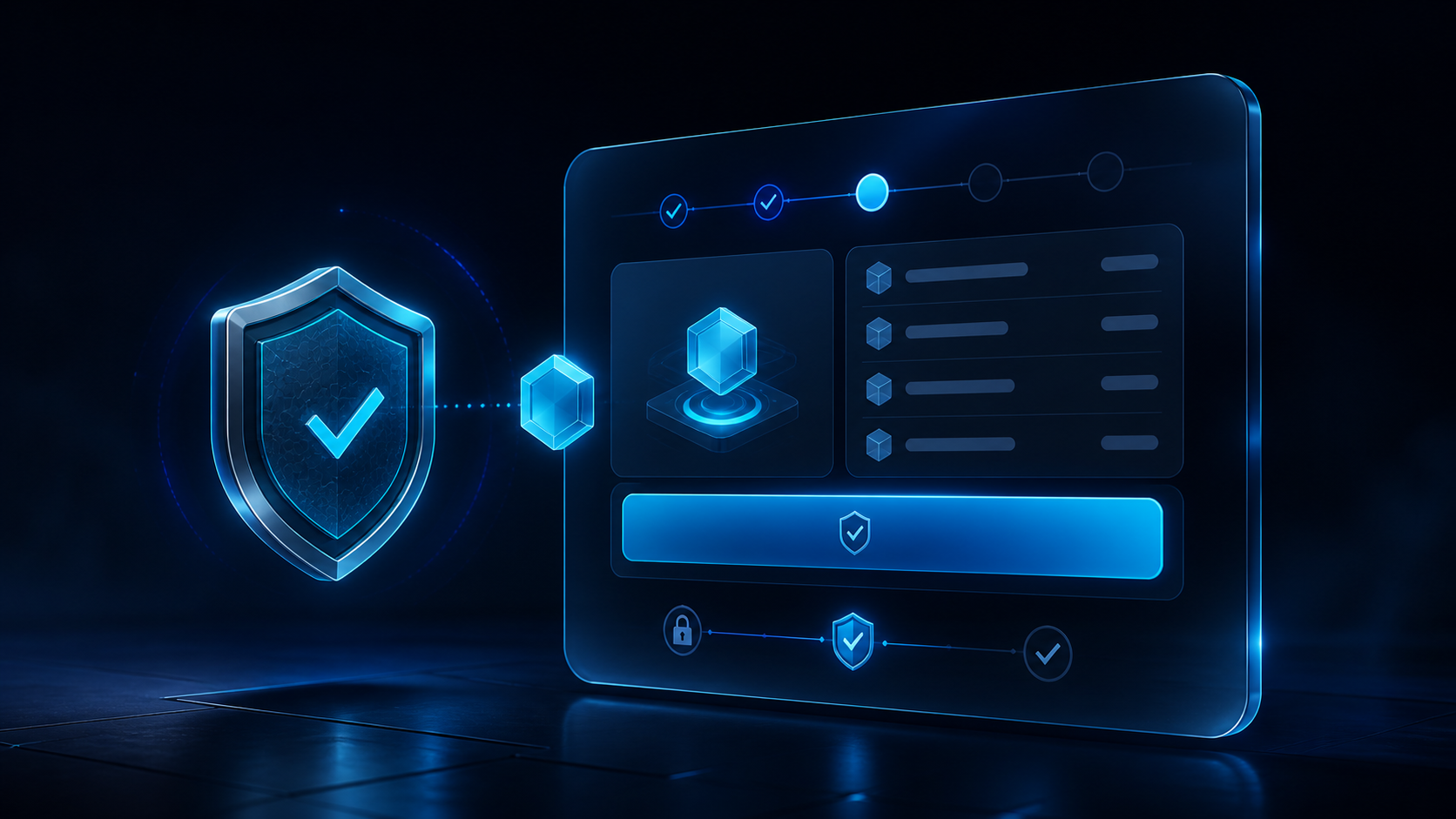
Review the product, plan, price, and current state before continuing through the hosted payment flow.
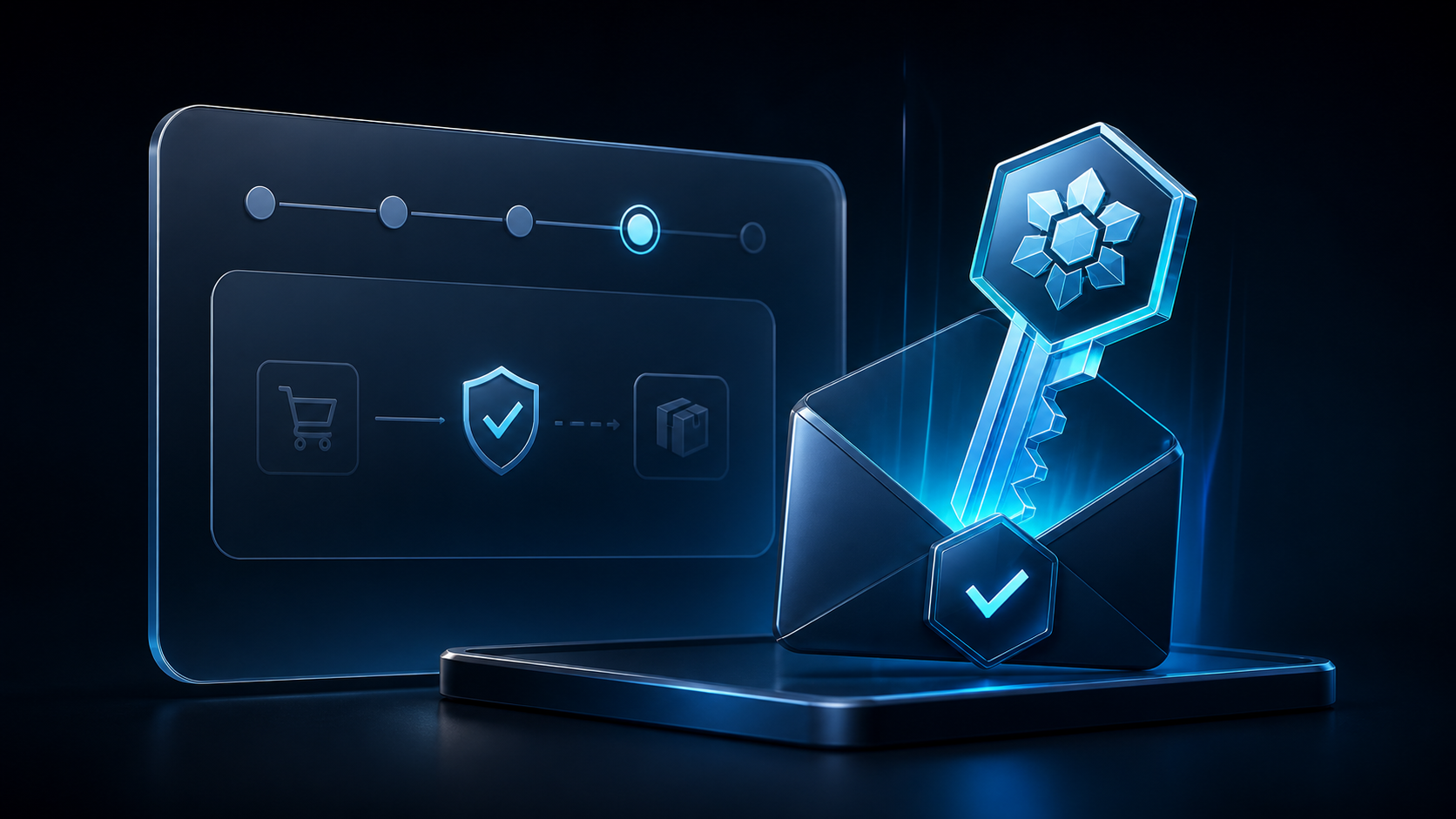
After payment confirmation, keep the delivered license key private and ready for redemption.
Open the customer portal, redeem the license, and follow the protected access instructions.
Redeem a key →READY TO CHOOSE?